
Eddy docs
How an edit works
Every step an edit goes through, from dropping in footage to the finished files.
An edit in Eddy is a single job that runs through fixed stages. The progress bar shows each stage as it really happens. It doesn't show made-up percentages or a countdown.
Before you start: what to make
When you drop footage in, Eddy asks what it should make:
| Choice | What you get |
|---|---|
| Long + 1 Short | One long video and one Short |
| Long + 3 Shorts | One long video and up to 3 Shorts |
| Short only | One Short |
| Customize | Your own mix, up to 3 Shorts |
Shorts are vertical 9:16 clips cut from your footage. The long video is 16:9.
From raw footage to finished files
Six steps, in order. Each one says which stage of the app's progress bar it happens in, and why it matters to you.
Import
During the app's Import stage
You drop in your raw recording: a camera file, a screen recording, or a folder with both. Eddy never changes your original files, and it cleans the sound (Studio Sound) as the footage comes in.
Why it matters: Every later step works from the cleaned-up version of your voice.
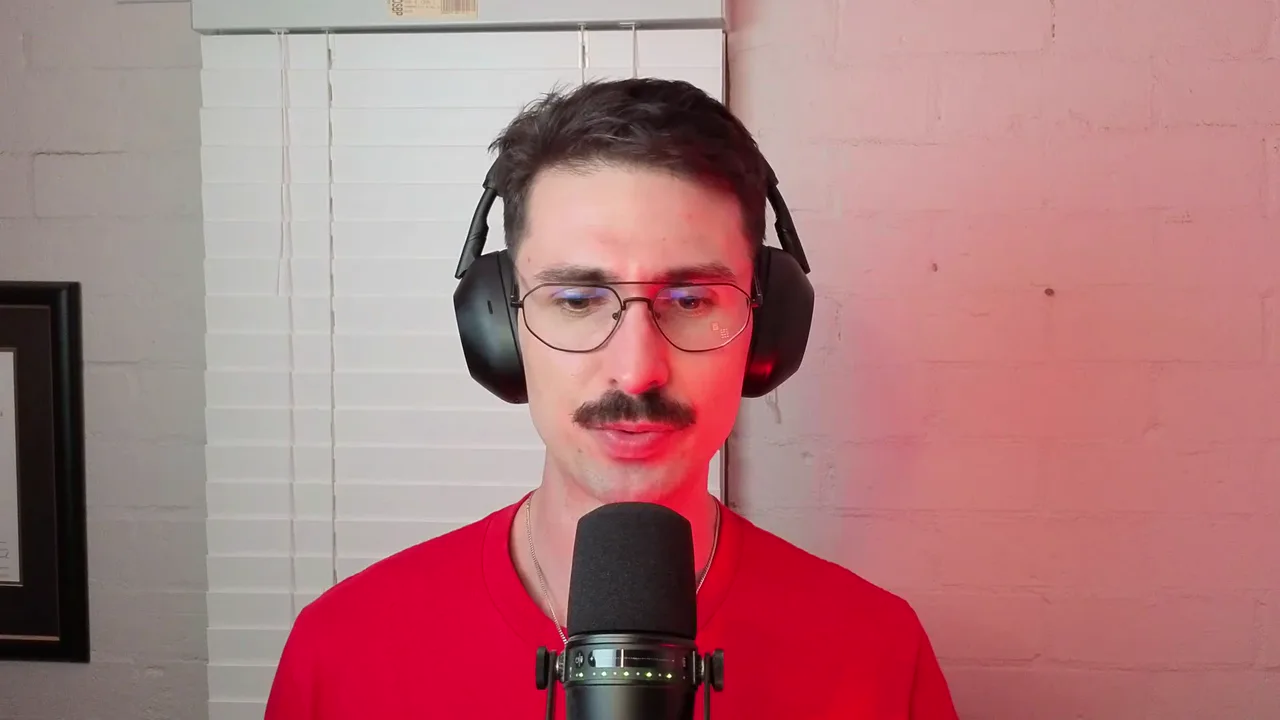
Import: the app's own screen at this step, from one real project. Transcript
During the app's Import stage
Speech models on your Mac write down every word you said, with the time each word starts and ends.
Why it matters: Cuts, captions and Shorts are all made from these word timings, so edits land between words instead of in the middle of one.
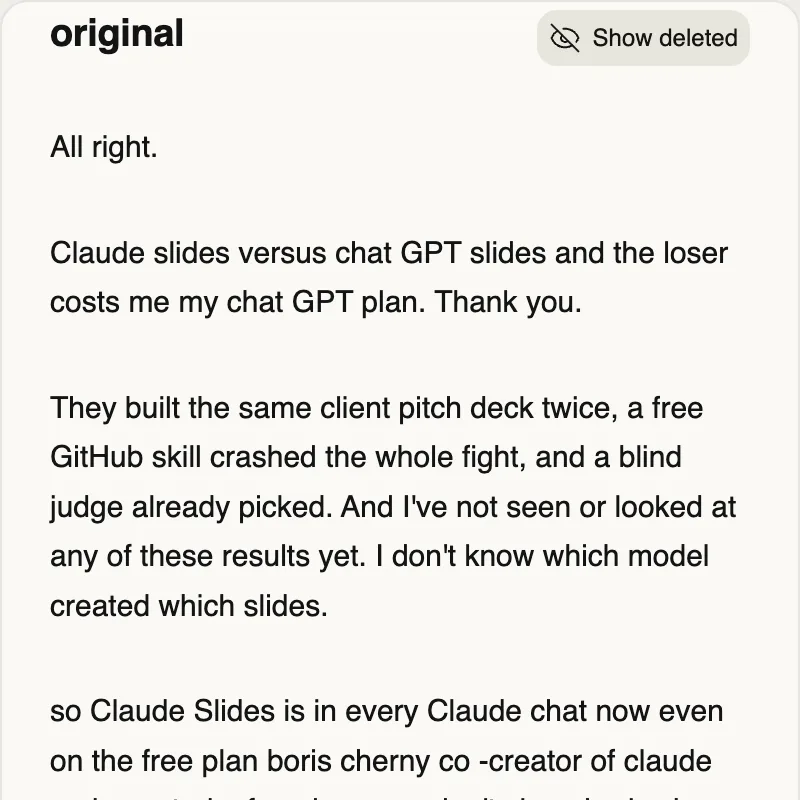
Transcript: the app's own screen at this step, from one real project. Cuts
During the app's Rough cut stage
Eddy removes retakes and shortens long pauses. Every cut keeps the reason it was made.
Why it matters: You can see why each piece went, and bring any of it back with Undo.
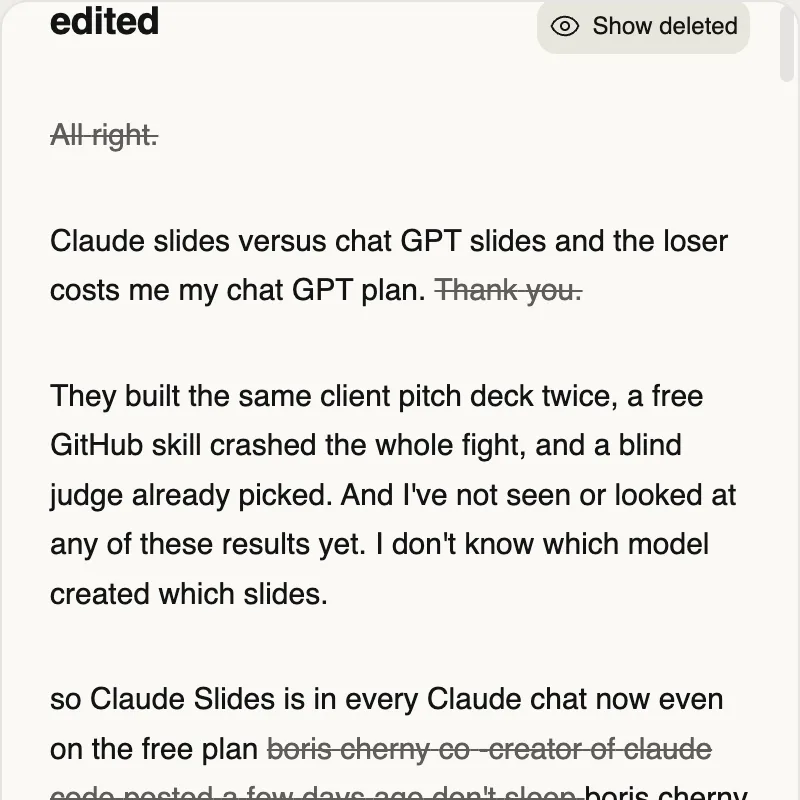
Cuts: the app's own screen at this step, from one real project. Scenes
Starts during the app's Import stage, in the background
In the background, Eddy labels each scene from what is on screen: it reads the text on screen and measures how much the screen moves. With the optional vision model installed, it also looks at each scene.
Why it matters: The labels decide the layout, such as when your screen fills the frame and when you do.
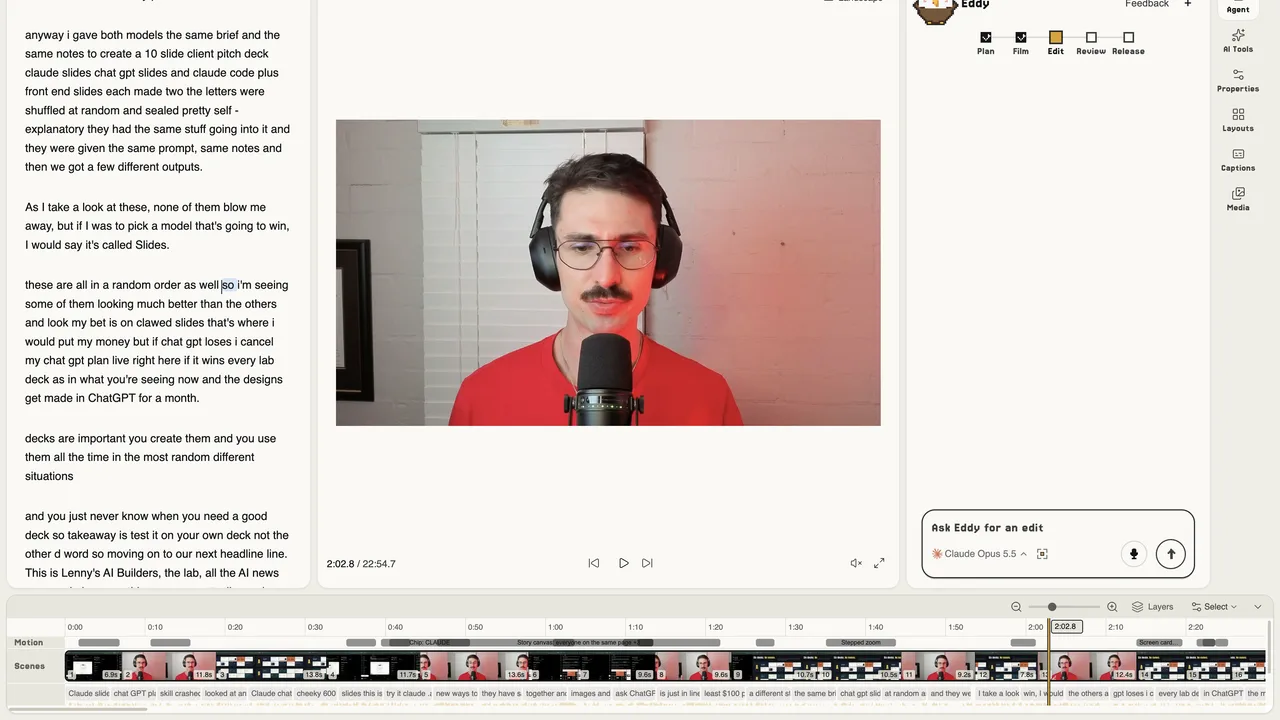
Scenes: the app's own screen at this step, from one real project. Captions
During the app's Edit stage
In the edit stage, the AI editor you signed in with adds captions, motion graphics in your look, and the Shorts.
Why it matters: Captions follow the transcript word by word, so the highlighted word is the one you're saying.
Render
During the app's Render stage
Eddy renders the long video and each Short as 1080p MP4 files. Then the app's Check stage scores the edit (and can fix the biggest gaps and render once more), and its Deliver stage copies the files to your folder.
Why it matters: Nothing is published. The files are on your Mac, and what happens next is up to you.
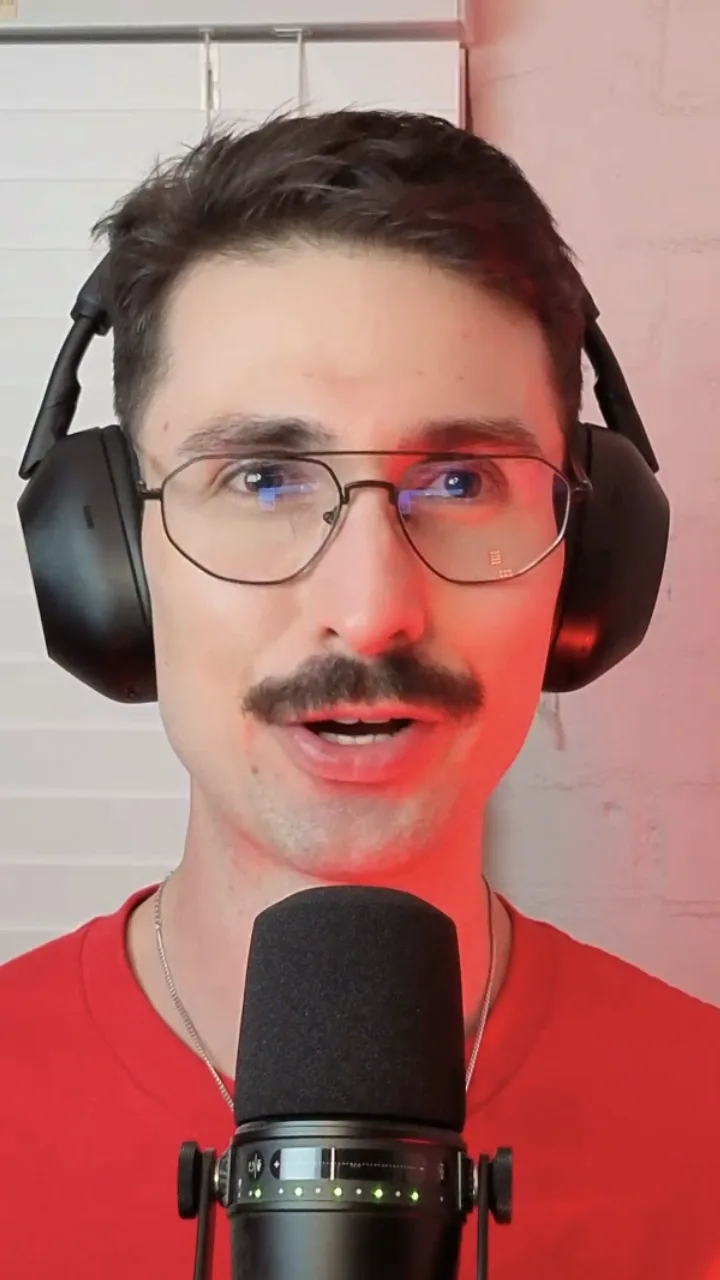
Render: a frame of a Short in the app's preview, from one real project. No file was exported for these docs.
The stages
These are the stages the progress bar shows, in order.
| Stage | What Eddy does |
|---|---|
| Import | Cleans the sound (Studio Sound), writes the transcript with word timings, makes an editorial pass over what you said, and starts labelling the scenes in the background. |
| Rough cut | Removes retakes and shortens long pauses. |
| Edit | The AI editor builds the story, the hook, motion graphics, captions and the Shorts. |
| Render | Renders the long video and each Short. |
| Check | Checks the long video against Eddy's quality bar. If it falls short, Eddy makes one round of fixes and renders again. A low score never blocks delivery. Skipped when you only asked for a Short. |
| Deliver | Copies the finished files to your folder and checks that each copy is complete. |
Stage names are generated from the app's progress bar each time these docs are built.
When the last stage is done, the edit shows as ready. Nothing is published. Uploading is your own click in Eddy.
Studio Sound
Eddy's sound clean-up (called Studio Sound in the app) is always on. It is applied when the footage comes in, and there is no switch for it.
Retakes and pauses
Eddy finds the takes you restarted and keeps one take, and it shortens long gaps between words. Every cut carries the reason Eddy made it (a retake, a filler word, a stutter, a long pause and so on), so you can see why something was removed and put it back.
Scenes
Eddy labels the scenes from what is on screen. It reads the text on screen and measures screen activity on your Mac. If you install the optional vision model from the Doctor sheet (the vision model needs macOS 14 or later), it also looks at each scene, still on your Mac. You can let ChatGPT or Claude look at a few still frames for a project too, but only if you switch that on for that project.
The edit itself
The editing stage is done by the AI editor you signed in with. Its brief asks for:
- an opening 30 seconds that works as a hook,
- captions on the long video and on the Shorts,
- motion graphics in your look, with regular movement on Shorts,
- sound effects from Eddy's own library,
- screenshots of web pages you mention, taken from public pages only.
What you get
This is the standard the beta is held to: LAB-0024 from the founder's own YouTube show, edited with the engine that ships in the Eddy beta. A long video and a Short from one recording. Click a video to play it; nothing loads from YouTube until you do.
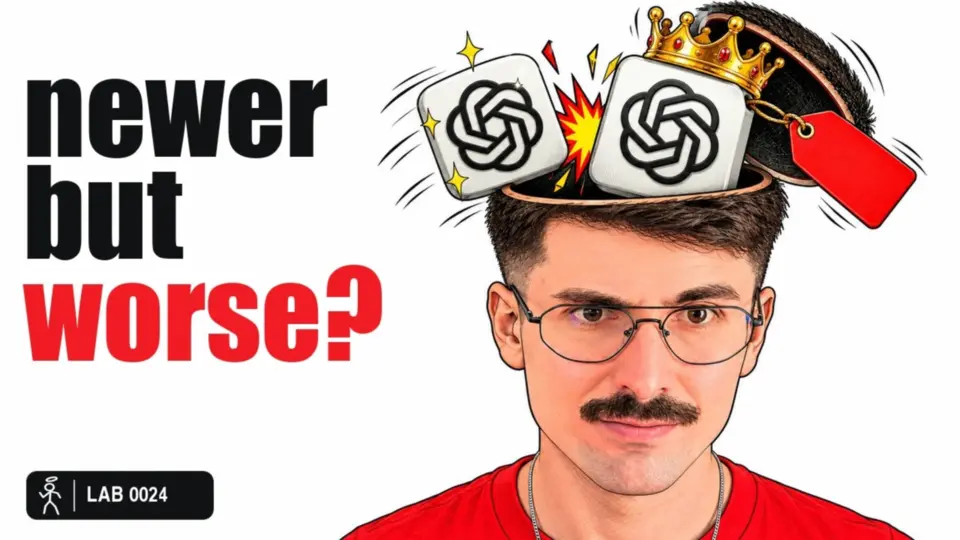
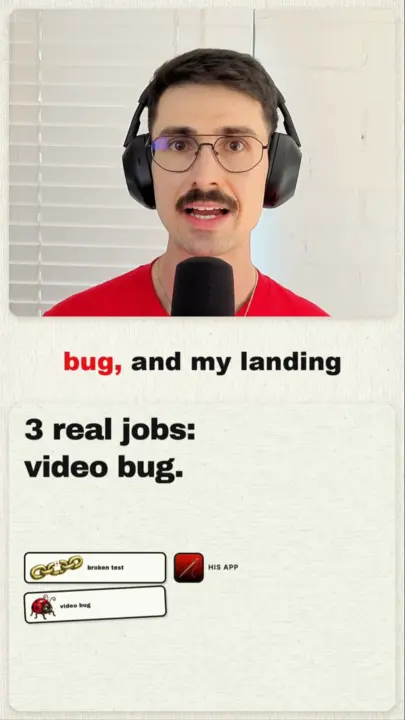
Each output is an MP4 at 1080p in high quality. The files are named after your footage, ending in -long.mp4 and -short-1.mp4, -short-2.mp4 and so on. By default they go to a folder for that video inside Movies/Eddy Studio in your home folder.
If your footage is too short to carry as many Shorts as you asked for, Eddy makes fewer and says so when the edit is ready. If a Short it planned can't be made, Eddy tries to fix it. If it still can't, the edit stops and tells you why, rather than delivering an incomplete set. You can add a note and try again.
From the Export sheet you can also export by hand: MP4, WAV or MP3 audio, or SRT and VTT caption files, at 1080p or 720p.
How long it takes
A full edit takes hours, not minutes. Exactly how long is Not yet measured: no beta test run has finished a real recording yet. A real recording shows the count.
Eddy keeps your Mac awake while it works, and asks you to plug in if you are on battery. Long recordings can sit in the transcript step for many minutes without moving the bar; that is normal.
If your Mac sleeps or you quit, the edit can resume where it stopped.
Written from the app's source code and last checked against it on 3 November 2026. Tables marked as generated are rebuilt from the source every time, and the build stops if a page disagrees with the app. Not every behaviour here has been hand-tested in the beta build. Something wrong or missing? Email support@eddystudio.ai.